
Work From Home Boundaries: How to Draw the Line Between Work and Home Life
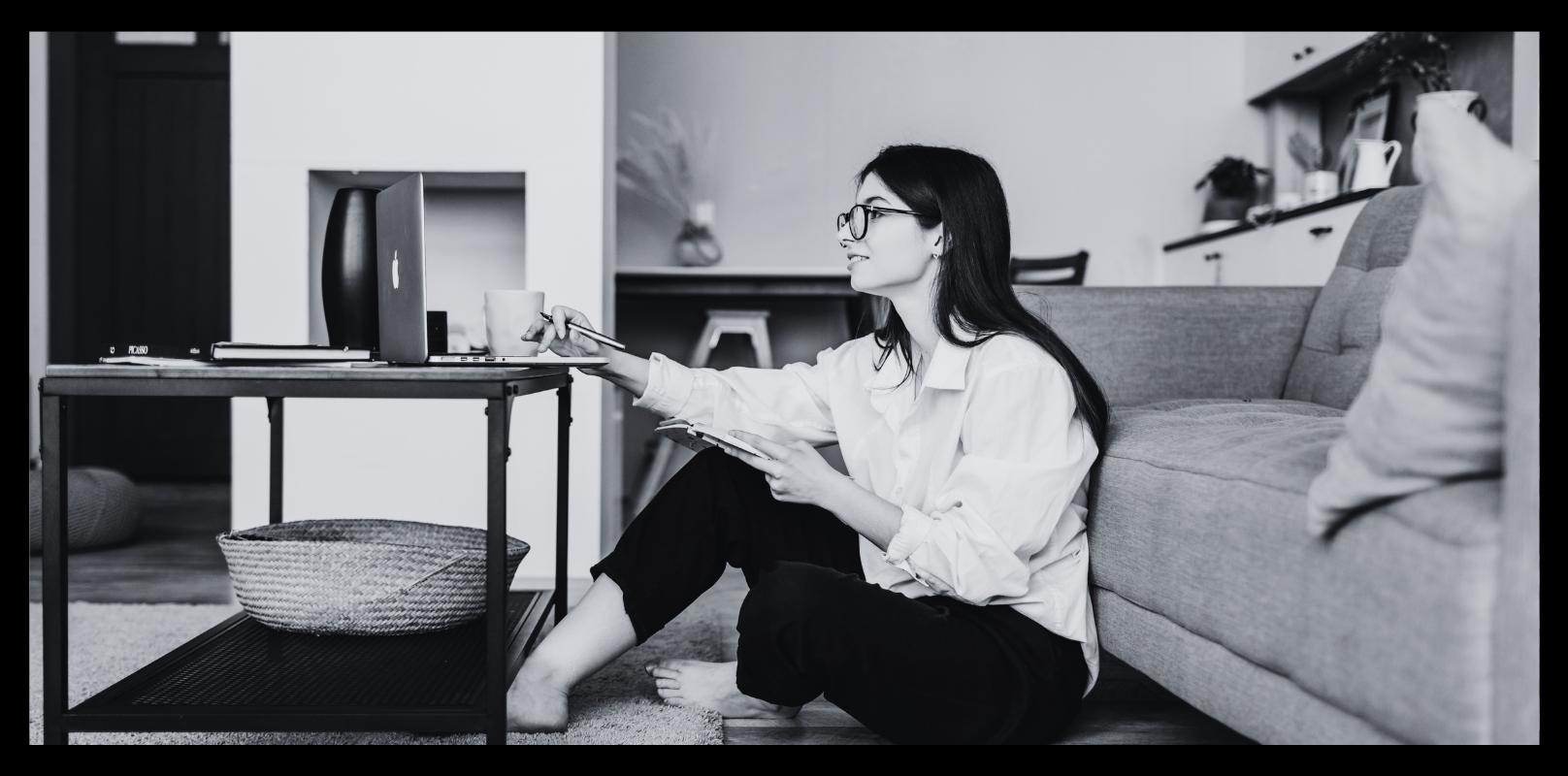
Remote and hybrid work have given IT professionals something they never had before: control over where they work. But that freedom comes with a catch. When your laptop lives on the kitchen table, “logging off” stops being a physical act and becomes a decision you have to make on purpose, over and over again. Learning to set clear work from home boundaries is quickly becoming one of the most important skills in a distributed career , not a nice-to-have, but a basic form of self-management.
At Shape IT Recruitment, we talk to candidates and clients across the Microsoft Dynamics 365 world every day, and one theme keeps coming up: people aren’t struggling with the work of working from home. They’re struggling with the edges of it. Strong work from home boundaries aren’t about working less, they’re about making sure the hours you do work stay contained, so the hours you don’t are actually yours. Here’s how to put them back in place.
Why the line keeps disappearing
In an office, boundaries are built into the building. You arrive, you leave, and the commute in between gives your brain time to switch modes. At home, none of that scaffolding exists by default. The result is a slow creep:
- Checking Slack while the kettle boils, before you’ve technically “started”
- Answering one more email during dinner because it’s “just quick”
- Never quite closing the laptop, because it’s always within reach
None of this feels like a big decision in the moment. But add it up over months, and it becomes a work day with no real end, which is one of the fastest routes to burnout.
The hidden cost of no boundaries
It’s worth naming what’s actually at stake, because “I’ll just answer this one message” rarely feels like a risk in the moment. Without work from home boundaries, the cost shows up gradually rather than all at once:
- Decision fatigue. Every ping becomes a tiny negotiation. Do I answer now, or later? That negotiation, repeated fifty times a day, is exhausting in a way that “real” work often isn’t.
- Shrinking recovery time. Your brain needs downtime to consolidate learning and reset focus. A day with no clear finish line never actually gives you that reset, even if you technically stop typing at 6pm.
- Resentment at home. Partners, kids, and flatmates notice when you’re “there but not there.” Over time, that half-presence erodes relationships just as much as physically being absent would.
- Quiet burnout. Because there’s no commute, no messy desk left behind, and no obvious “leaving the building” moment, burnout from a boundary-less home office can creep up without any of the usual warning signs.
None of these show up on a performance review. They show up six months later, as fatigue, disengagement, or a sudden decision to leave a job that looked fine from the outside.
Build boundaries you can actually see
The fix isn’t willpower. It’s structure. Strong work from home boundaries are really just a set of small, repeatable habits that remove the need to make the same decision fresh every day. A few that genuinely help:
Give work a start and end ritual. It doesn’t need to be dramatic — a short walk, changing out of loungewear, or even just closing a specific browser tab. The point is to give your brain a repeatable cue that the working day has a shape.
Create a dedicated workspace, even a small one. A desk in the corner of a room works better than the sofa, because it lets you physically leave “the office” at the end of the day rather than just muting notifications while sitting in the same spot.
Set notification hours, not just notification types. Muting group chats helps, but the bigger win is deciding when work apps are allowed to interrupt you at all — and turning them off outside that window.
Protect one transition ritual between work and home. For people living with family or a partner, even five minutes to mentally switch gears before “clocking in” to home life can prevent the low-grade irritability that comes from context-switching too fast.
Say the boundary out loud. Tell your manager or team explicitly what your working hours are, rather than assuming they’ll infer it from when you happen to reply. A boundary nobody else knows about isn’t really a boundary. It’s a private hope.
Let your tools enforce what willpower can’t
Most calendar, chat, and email tools now have features built specifically to support work from home boundaries. The trick is actually turning them on:
- Scheduled “do not disturb” hours on Slack, Teams, or Outlook
- Send-later scheduling, so a late-night idea doesn’t become someone else’s late-night notification
- Calendar blocks for focus time that are genuinely protected, not just decorative
- Auto-replies outside working hours, even internally, to reset expectations about response speed
None of this is about looking unavailable. It’s about making your work from home boundaries visible and predictable, so colleagues aren’t left guessing.
It’s a two-way responsibility
Boundaries aren’t just a personal discipline problem, they’re also a management one. Teams and leaders who want engaged, long-term employees need to model the behaviour they want to see:
- Avoid sending non-urgent messages outside agreed hours
- Respect that “online” doesn’t mean “available”
- Judge output, not visibility
This matters especially in specialist fields like Dynamics 365, where the talent pool is small and in demand. Professionals who feel like their time is respected stay longer, perform better, and are far easier to retain than those quietly burning out at their kitchen table.
The bottom line
Working from home isn’t the problem. Working without edges is. The good news is that work from home boundaries are learnable. A few small, consistent habits are usually enough to turn “always on” into a sustainable rhythm that works for both the business and the person doing the work. Get the boundaries right, and remote work stops being something you’re constantly managing, and starts being something that actually works for you.
Shape IT Recruitment specialises in connecting exceptional talent with Microsoft Dynamics 365 opportunities. Looking for your next role, or your next hire? Get in touch with our team.
Laura Bennett
Sun 16th August 2026
Bài chia sẻ chất lượng. Ai đang tìm hiểu du học Hàn Quốc có thể liên hệ Letco — hỗ trợ chọn ngành, học bổng và thủ tục visa nhanh gọn. Chi tiết ở letco.vn.